
New Feature Release — Edit Course with AI
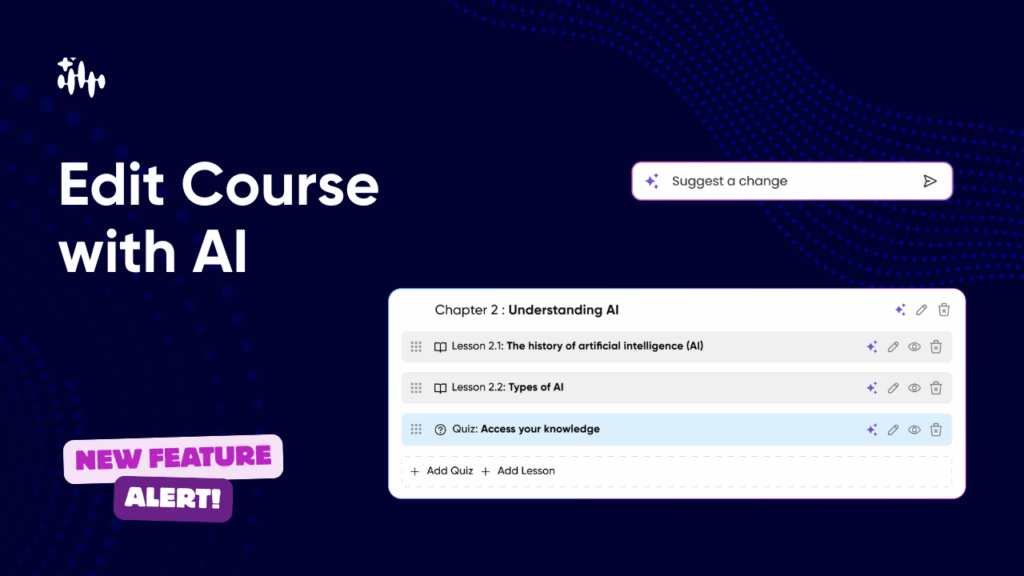
Make fast, confident edits to any course using AI — or do it manually. Regenerate chapters & lessons, add quizzes, reorder content with drag-and-drop, and pick the AI Coach voice for course delivery — all from the new Course Editor screen. What this feature lets you do (at a glance) Step-by-step: How to edit a course with AI 1. Open the Course Editor From Courses → [Select Course] → Edit, you’ll land on the preview & publish screen showing chapters and lessons. 2. Regenerate a chapter or lesson with AI Example prompt (regenerate chapter): “Rewrite this chapter for mid-level engineers. Use practical examples 3. Edit manually 4. Add a new chapter using AI “Testing strategies for web applications: unit tests, integration tests, CI tips.” 5. Add lessons or quizzes inside a chapter 6. Reorder content with drag & drop 7. Change your AI Coach voice 8.Save as Draft or Publish
Introducing: Create Course Using Prompt
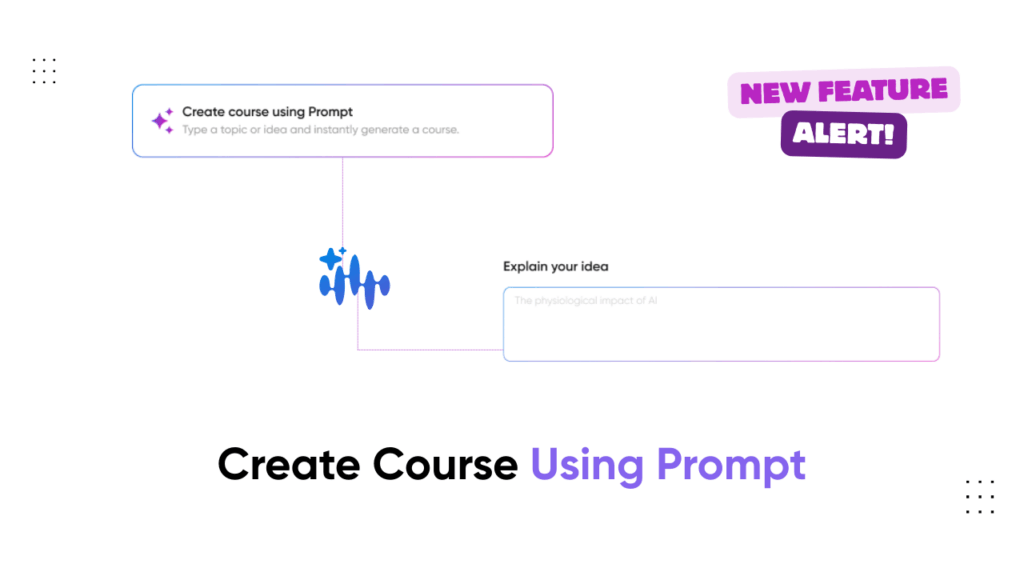
At Vocaliv, we’re constantly working to make learning and teaching more seamless, smarter, and faster. That’s why we’re excited to announce our new feature – Create Course Using Prompt. This feature empowers educators, trainers, and self-learners to generate a complete course instantly by simply describing their idea in natural language. No more starting from scratch — let AI handle the heavy lifting. How It Works – Step by Step Vocaliv will now generate your course, ready to customize or deliver. The Power of AI in Course Creation With this feature, you can transform a simple idea into a comprehensive, structured, and tailored course in just a few minutes. It’s perfect for: Try It Today Log in to Vocaliv and experience how easy it is to build your course using just a prompt. The future of learning is faster, smarter, and more personalized — and it starts here. 👉 Get Started with Vocaliv