
At Vocaliv, we’re constantly working to make learning and teaching more seamless, smarter, and faster. That’s why we’re excited to announce our new feature – Create Course Using Prompt.
This feature empowers educators, trainers, and self-learners to generate a complete course instantly by simply describing their idea in natural language. No more starting from scratch — let AI handle the heavy lifting.
How It Works – Step by Step
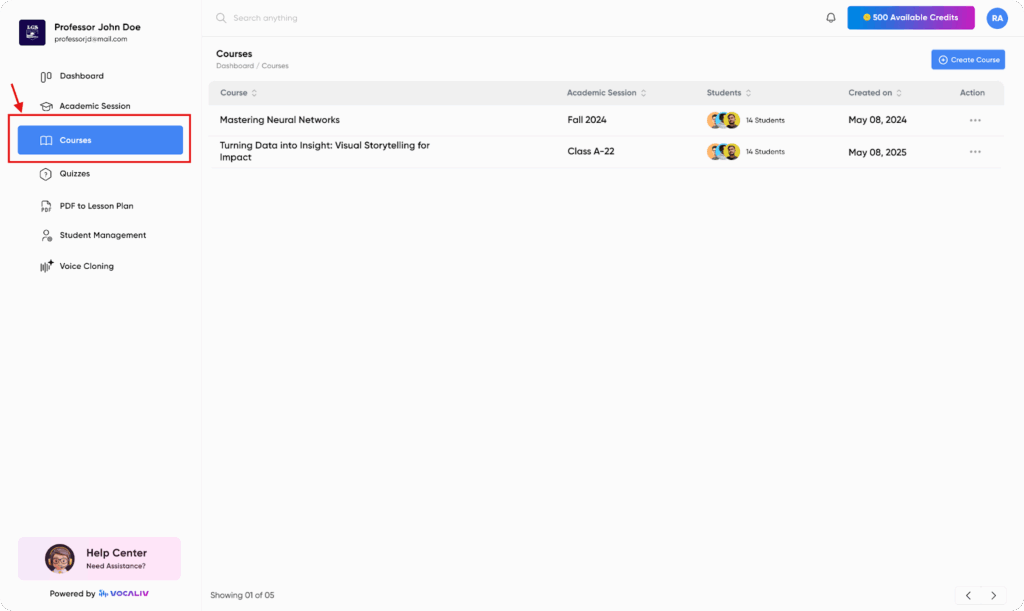
- Navigate to Courses
From the side navigation bar, click on the Courses screen.
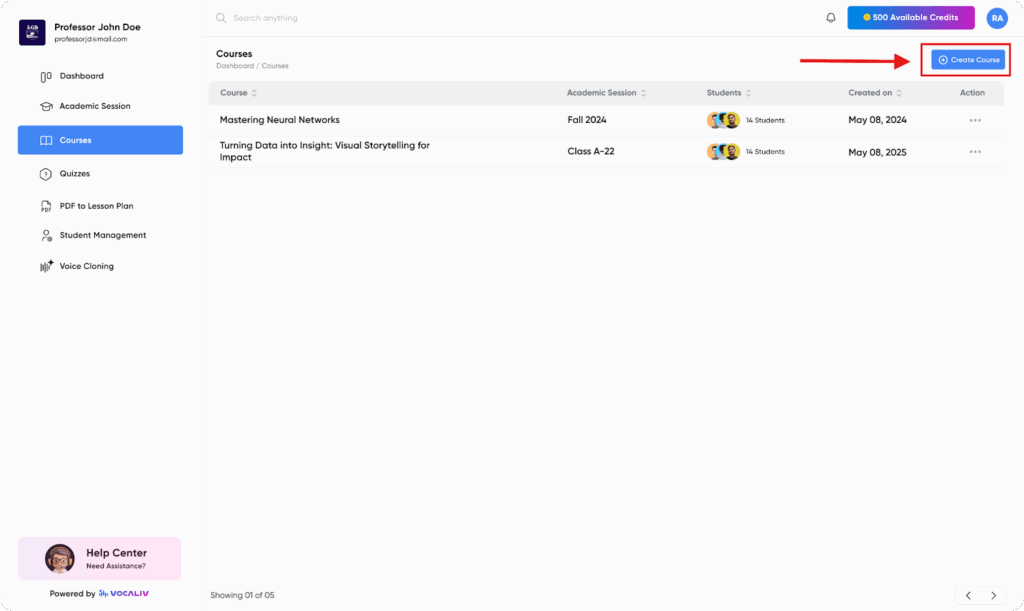
- Create a Course
On the top right corner, select the Create Course button.
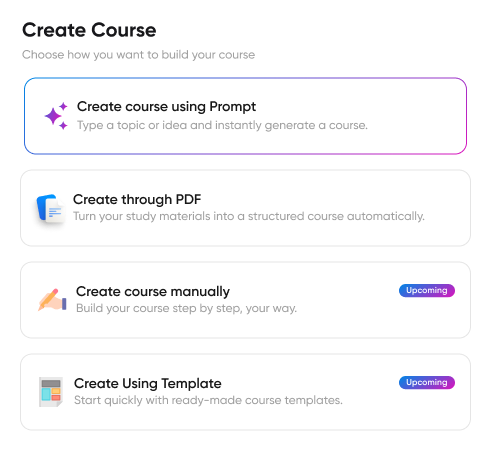
- Choose Your Method
Pick Create Course Using Prompt from the available options.
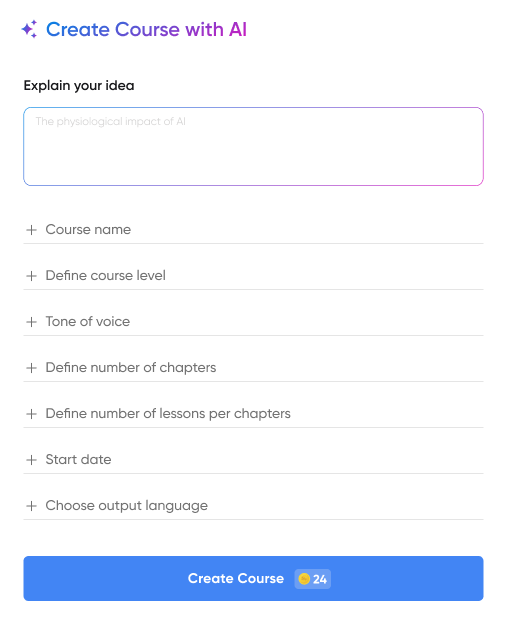
- Describe Your Idea
In the description box, explain your course idea — as simple as writing, “A beginner’s course on AI basics with practical exercises.”
- Set Course Details
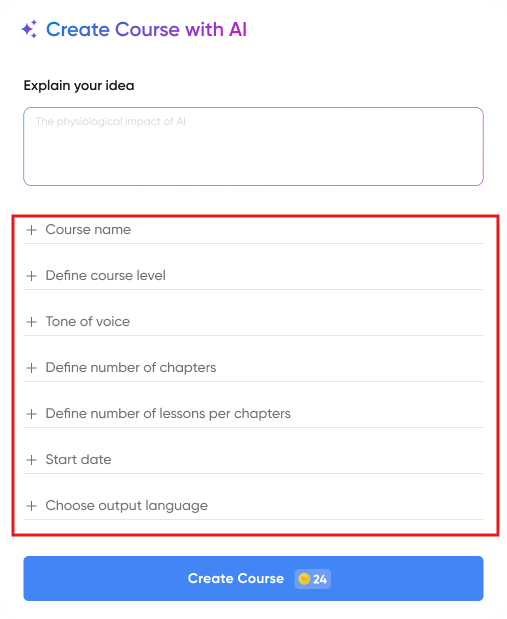
Fill out the course details:
- Tone of Voice (formal, friendly, engaging, etc.)
- Course Level (beginner, intermediate, advanced)
- Output Language
- Start Date
- Generate Course
Click the Create Course CTA at the bottom.
Vocaliv will now generate your course, ready to customize or deliver.
The Power of AI in Course Creation
With this feature, you can transform a simple idea into a comprehensive, structured, and tailored course in just a few minutes. It’s perfect for:
- Educators looking to scale content creation.
- Trainers building programs for teams.
Try It Today
Log in to Vocaliv and experience how easy it is to build your course using just a prompt. The future of learning is faster, smarter, and more personalized — and it starts here.