
New Feature Release — Edit Course with AI
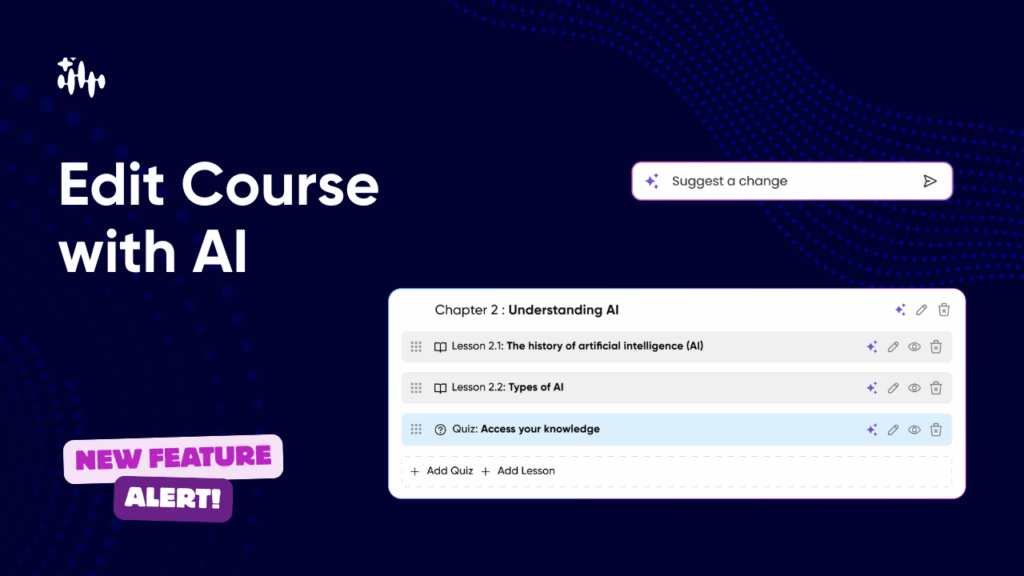
Make fast, confident edits to any course using AI — or do it manually. Regenerate chapters & lessons, add quizzes, reorder content with drag-and-drop, and pick the AI Coach voice for course delivery — all from the new Course Editor screen. What this feature lets you do (at a glance) Step-by-step: How to edit a course with AI 1. Open the Course Editor From Courses → [Select Course] → Edit, you’ll land on the preview & publish screen showing chapters and lessons. 2. Regenerate a chapter or lesson with AI Example prompt (regenerate chapter): “Rewrite this chapter for mid-level engineers. Use practical examples 3. Edit manually 4. Add a new chapter using AI “Testing strategies for web applications: unit tests, integration tests, CI tips.” 5. Add lessons or quizzes inside a chapter 6. Reorder content with drag & drop 7. Change your AI Coach voice 8.Save as Draft or Publish