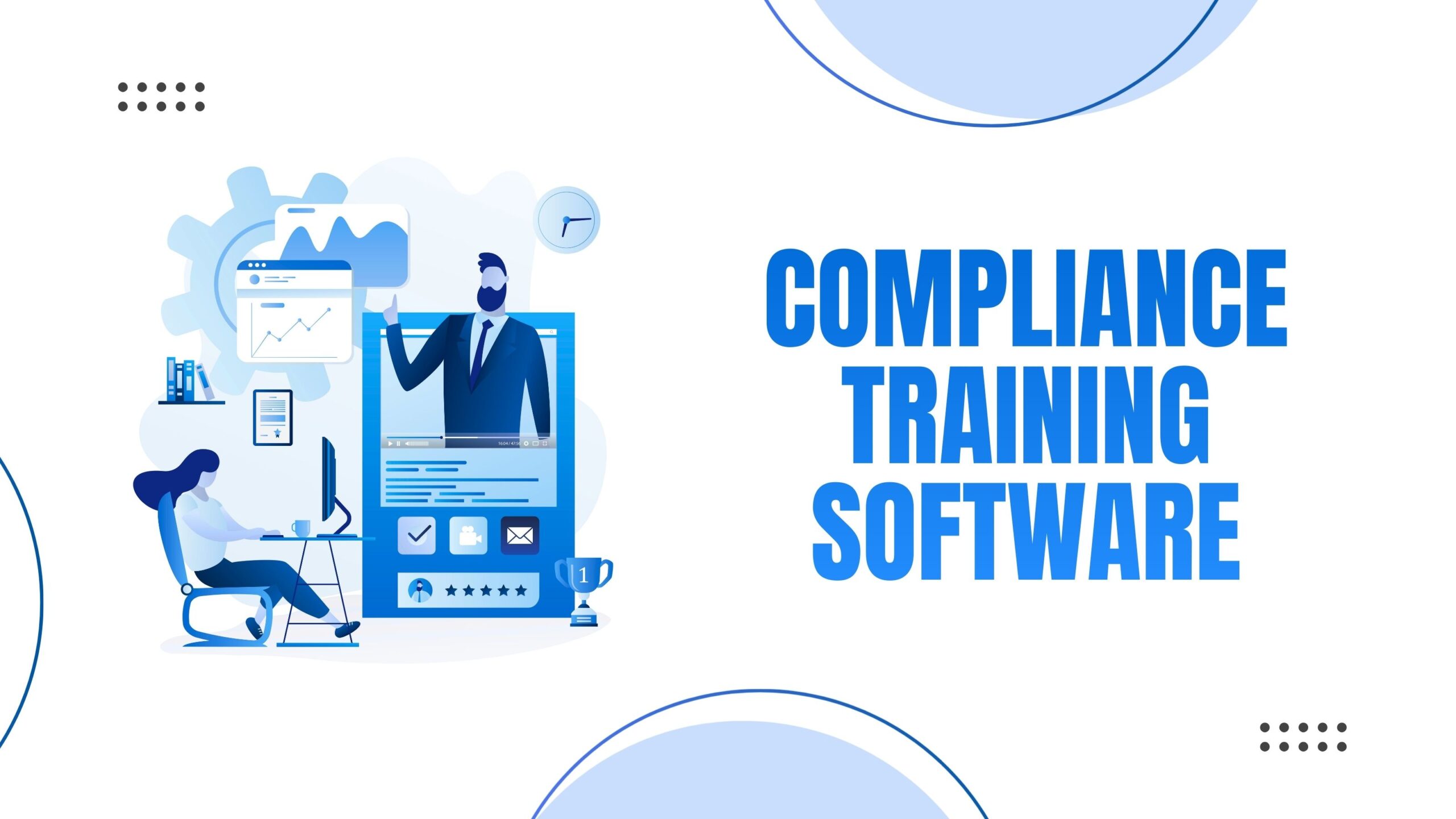
Compliance training software is a digital platform that automates regulatory training, tracks certifications, and maintains audit trails for organizations. The best solutions for 2026 include industry-specific content libraries, automated tracking, real-time reporting, and multi-format learning options tailored to HR, healthcare, and finance regulatory requirements.
Let’s be honest. Compliance training often gets a bad rap. Employees see it as boring checkboxes, and administrators view it as a never-ending paperwork nightmare. But here’s the thing: the right compliance training software can completely transform this experience, turning regulatory headaches into streamlined, engaging processes that actually protect your organization.
What Is Compliance Training Software?
Compliance training software is a specialized learning management system designed to deliver, track, and document mandatory regulatory training. It ensures organizations meet legal requirements while maintaining verifiable proof of employee certification.
Core Functions:
- Automated course delivery to employees based on role and jurisdiction
- Certification tracking with automatic renewal reminders
- Audit trail generation for regulatory inspections
- Reporting dashboards showing real-time compliance status
- Regulatory content updates as laws change
Why Organizations Need Compliance Training Software
Key Statistics:
- Average penalty for non-compliance: $14.82 million per violation
- Employee retention rate with interactive training: 65% higher than text-based methods
- Time savings with automation: 40-60% reduction in administrative hours
- Audit preparation time: Reduced from weeks to hours with proper software
Three Critical Business Risks Without Proper Software:
- Financial penalties from regulatory violations
- Legal liability from inadequate employee training documentation
- Operational disruption during manual audit preparation
7 Essential Features of Best Compliance Training Software
1. Automated Compliance Tracking
Monitors completion rates, sends automatic reminders, and flags upcoming certification renewals without manual intervention.
Must-have capabilities:
- Real-time completion dashboards
- Automated email/SMS reminder sequences
- Certification expiration alerts (30, 60, 90-day notices)
- Role-based assignment rules
2. Industry-Specific Content Libraries
Pre-built course requirements by industry:
HR Compliance Training:
- Sexual harassment prevention (annual in most states)
- Diversity, equity, and inclusion
- Wage and hour law compliance
- FMLA and leave management
- Workplace safety (OSHA standards)
Healthcare Compliance Training:
- HIPAA privacy and security (annual requirement)
- OSHA bloodborne pathogens
- Infection control protocols
- Patient rights and dignity
- Emergency preparedness
- Anti-money laundering (AML)
- Bank Secrecy Act (BSA)
- SOX compliance for public companies
- Data security and cybersecurity
- FINRA requirements for securities
3. Multi-Format Learning Delivery
Optimal format distribution:
- Video modules: 40% of content (highest engagement)
- Interactive simulations: 25% (best for high-risk scenarios)
- Microlearning (5-10 minutes): 20% (mobile-friendly)
- Traditional courses: 15% (comprehensive topics)
4. Audit-Ready Reporting
Required report types:
- Individual completion certificates with timestamps
- Department-wide compliance percentages
- Historical training records (typically 3-7 years)
- Course version tracking (proves current content delivery)
- Digital signature logs for policy acknowledgments
5. Integration Capabilities
Standard integrations needed:
- HRIS systems (Workday, BambooHR, ADP)
- Single Sign-On (SSO) providers (Okta, Azure AD)
- Calendar applications (Outlook, Google Calendar)
- Communication platforms (Slack, Microsoft Teams)
- API access for custom workflows
6. Mobile Accessibility
Mobile training requirements:
- Responsive design for all device sizes
- Offline mode for areas with limited connectivity
- Progress syncing across devices
- Mobile-optimized assessments
- Push notification support
7. Customization Options
Customization levels:
- Basic: Company branding and logo integration
- Intermediate: Custom policy acknowledgment forms
- Advanced: Proprietary course creation tools
- Enterprise: White-label solutions with API access
Compliance Training Software Comparison Framework
| Evaluation Criteria | What to Look For | Why It Matters |
| Content Currency | Automatic regulatory updates within 30 days of law changes | Prevents training on outdated requirements |
| User Experience | Course completion rates above 85% | Indicates engaging, accessible content |
| Reporting Depth | Customizable dashboards with 20+ metrics | Provides insights beyond basic completion |
| Scalability | Per-user pricing that decreases with volume | Controls costs as organization grows |
| Support Response | SLA guaranteeing <2 hour response for critical issues | Minimizes downtime during audits |
| Security Standards | SOC 2 Type II certification minimum | Protects sensitive employee data |
HR Team-Specific Requirements
What compliance training does HR need to provide?
HR departments must provide training on:
- Federal requirements: Title VII, ADA, ADEA, FMLA, FLSA
- State-specific mandates: Sexual harassment (required in CA, NY, IL, ME, DE, CT)
- Industry standards: Workplace safety, data privacy, anti-discrimination
- Company policies: Code of conduct, ethics, confidentiality
Recommended training frequency:
- Sexual harassment: Annually
- Safety training: Quarterly or upon incident
- Policy updates: Within 30 days of changes
- New hire orientation: First week of employment
HR Compliance Software Must-Haves:
- State-specific training variants (50-state coverage)
- Supervisor vs. employee course differentiation
- Policy acknowledgment with digital signatures
- Multilingual content support
- ADA-compliant accessibility features
Healthcare Compliance Training Specifications
What are the mandatory compliance training requirements for healthcare?
Healthcare organizations must provide:
HIPAA Training:
- Frequency: Annual minimum, upon hire, and after policy changes
- Content: Privacy Rule, Security Rule, Breach Notification
- Documentation: Required for 6 years minimum
OSHA Training:
- Bloodborne pathogens: Annual
- Hazard communication: Upon hire and when new hazards introduced
- Emergency procedures: Biannual
Additional Requirements:
- Infection control: Quarterly updates recommended
- Patient rights: Annual
- Medical device safety: Upon deployment of new equipment
Healthcare Platform Requirements:
Technical specifications:
- HITRUST CSF certification
- ePHI encryption (256-bit minimum)
- Role-based access controls (RBAC)
- Audit logs retained for 6+ years
- BAA (Business Associate Agreement) availability
Content tracking:
- Course version control
- Individual module completion timestamps
- Assessment scores with minimum passing thresholds
- Remedial training workflows for failed assessments
Finance Industry Compliance Standards
What compliance training is required in the financial services industry?
Financial institutions must provide:
Federal Requirements:
- Bank Secrecy Act (BSA): Annual for all employees
- Anti-Money Laundering (AML): Annual, role-specific depth
- Office of Foreign Assets Control (OFAC): Annual screening
- Regulation S-P (Privacy): Annual for customer-facing staff
- SOX (Public Companies): Annual for relevant personnel
Industry-Specific:
- FINRA: Firm Element (annual) and Regulatory Element (every 3 years for registered reps)
- SEC: Annual ethics and insider trading training
- CFPB: Fair lending and consumer protection (annual)
Finance Software Critical Features:
Regulatory tracking:
- Multi-framework compliance monitoring
- Jurisdiction-based requirement mapping
- Vendor training extension capabilities
- Third-party risk management modules
Advanced analytics:
- Correlation reports (training completion vs. compliance incidents)
- Risk heat maps by department
- Predictive compliance gap analysis
- Board-ready executive summaries
Implementation Framework: 5-Phase Approach
Phase 1: Audit and Assessment (Week 1-2)
- Document current compliance obligations
- Identify training gaps and risks
- Map employee roles to requirements
- Calculate compliance burden costs
Phase 2: Platform Selection (Week 3-4)
- Demo 3-5 platforms minimum
- Conduct pilot programs with sample courses
- Verify integration compatibility
- Negotiate pricing and SLAs
Phase 3: Configuration (Week 5-6)
- Import employee data
- Set up automated workflows
- Customize branding and content
- Configure reporting dashboards
Phase 4: Rollout (Week 7-8)
- Train administrators and champions
- Communicate changes to employees
- Launch initial course assignments
- Monitor completion rates closely
Phase 5: Optimization (Ongoing)
- Analyze engagement metrics monthly
- Gather employee feedback quarterly
- Update content as regulations change
- Refine automation rules based on patterns
Measuring Training Effectiveness: 4-Level Framework
Level 1 – Participation Metrics:
- Completion rates (target: >95%)
- Time to completion (benchmark against industry)
- Login frequency and engagement duration
Level 2 – Knowledge Acquisition:
- Pre-assessment vs. post-assessment scores
- Minimum passing threshold (typically 80%)
- Retake rates and common failure points
Level 3 – Behavioral Application:
- Incident reduction rates post-training
- Policy violation trends
- Employee confidence surveys
Level 4 – Business Impact:
- Audit findings and deficiencies
- Regulatory penalty reduction
- Insurance premium changes
- Legal claim frequency
Compliance Training Software Cost Analysis
Pricing models explained:
Per-User/Per-Month:
- Range: $3-15 per user monthly
- Best for: Organizations with stable headcount
- Average: $8 per user for mid-market solutions
Annual Licensing:
- Range: $5,000-50,000+ annually
- Best for: Large enterprises (500+ employees)
- Includes: Unlimited users, premium support
Pay-Per-Course:
- Range: $15-75 per course completion
- Best for: Seasonal or contract workforce
- Variable costs based on usage
Total Cost of Ownership (TCO) calculation:
- Software subscription: 60% of TCO
- Implementation and setup: 15% of TCO
- Training and change management: 10% of TCO
- Ongoing content updates: 10% of TCO
- Support and maintenance: 5% of TCO
Common Compliance Training Software Mistakes to Avoid
1. Choosing Based on Price Alone
Problem: Cheapest solutions often lack critical features, leading to costly manual workarounds.
Solution: Calculate ROI including time savings and risk reduction.
2. Ignoring User Experience
Problem: Low completion rates from difficult-to-use platforms.
Solution: Conduct employee usability testing during demos.
3. Insufficient Integration Planning
Problem: Data silos requiring duplicate data entry.
Solution: Map integration requirements before purchase.
4. Overlooking Scalability
Problem: Outgrowing platform within 12-24 months.
Solution: Choose platforms supporting 2-3x current employee count.
5. Neglecting Mobile Requirements
Problem: Remote workers cannot access training.
Solution: Verify mobile completion rates in vendor case studies.
Frequently Asked Questions
Q1: What is meant by compliance training?
Compliance training means educating employees on laws, regulations, company policies, ethics, and standards they must follow at work.
Q2: What are the 3 C’s of compliance?
The 3 C’s of compliance are commitment, communication, and controls.
Q3: What are the 5 key areas of compliance?
The five key areas of compliance are legal and regulatory requirements, company policies, ethical standards, risk management, and monitoring and reporting.
Q4: What’s the difference between an LMS and compliance training software?
Compliance training software is specialized for regulatory requirements with built-in audit trails, automatic certification tracking, and industry-specific content. General LMS platforms focus on broader learning and development without compliance-specific features.
Conclusion:
Compliance doesn’t have to be complicated. The right training software transforms regulatory requirements from burdensome obligations into strategic advantages that protect your organization and empower your team.
At Vocaliv, we specialize in creating custom compliance training solutions that fit your industry’s unique needs. Our AI-powered platform combines engaging content with robust tracking capabilities, helping HR, healthcare, and finance teams stay ahead of regulatory changes.
Contact Vocaliv today for a free demo and discover how our compliance training solutions can reduce risk, boost engagement, and streamline your entire training process. Let’s build a compliance program that actually works for your organization.