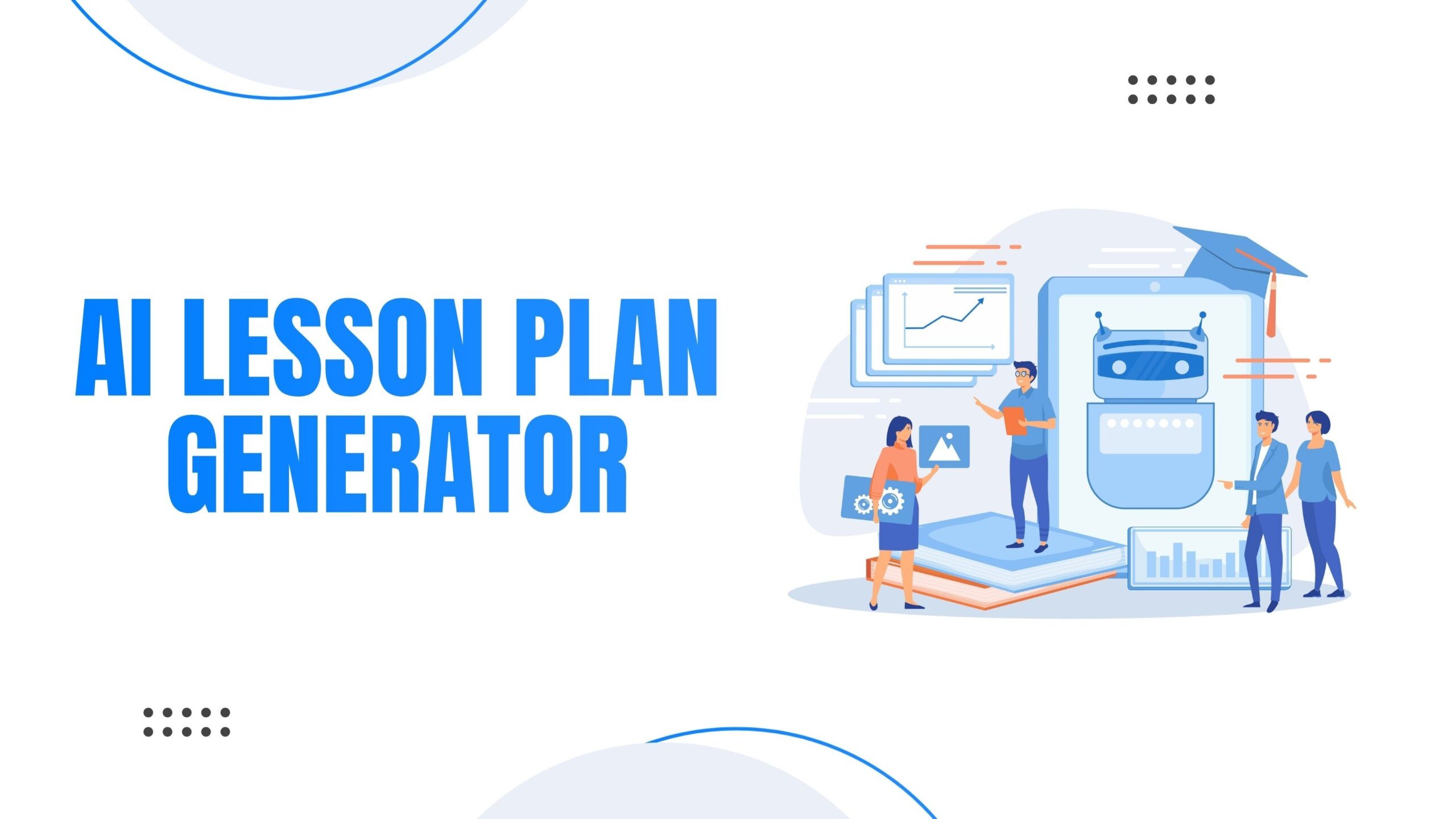
AI lesson plan generators are software tools that use artificial intelligence to automatically create educational lesson plans based on teacher inputs like subject, grade level, learning objectives, and time duration.
How They Work:
- Teachers input basic parameters (subject, grade, topic, standards)
- AI analyzes educational databases and curriculum frameworks
- The system generates structured lesson plans with objectives, activities, and assessments
- Teachers review and customize the output for their specific classroom needs
Popular AI Lesson Plan Generators in 2026:
- Vocaliv
- TeachMateAI
- LessonLab
- PlanGenie
- Education Copilot
- Magic School AI
Are AI Lesson Plan Generators Actually Helpful? The Evidence
Yes, with qualifications. Research from 2024-2025 shows AI lesson plan generators reduce planning time by 40-60% while maintaining educational quality when used correctly.
Proven Benefits (Research-Backed)
Time Savings: Teachers report saving 3-5 hours per week on lesson planning (EdTech Research Institute, 2024).
Consistency: AI ensures alignment with educational standards like Common Core, NGSS, or state-specific frameworks.
Differentiation Support: Advanced tools generate multiple versions for different learning levels simultaneously.
Resource Suggestions: AI pulls from vast databases to recommend relevant videos, articles, and activities teachers might not find manually.
Documented Limitations
Lack of Classroom Context: AI cannot account for specific student dynamics, cultural backgrounds, or recent classroom events.
Generic Output: Without detailed prompts, AI generates one-size-fits-all plans that require significant editing.
Assessment Quality: AI-generated assessments often focus on lower-order thinking skills rather than critical analysis.
Technology Dependence: Over-reliance may erode teachers’ lesson planning skills over time.
Who Should Use AI Lesson Plan Generators?
New Teachers (0-3 years experience)
- Provides structural frameworks while learning pedagogy
- Offers starting points that experienced teachers create instinctively
- Reduces overwhelm during first years
Teachers With High Course Loads
- Managing 5+ different course preparations
- Teaching outside their primary subject area
- Covering for absent colleagues on short notice
Substitute Teachers
- Need quick familiarization with unfamiliar content
- Require ready-to-use structured plans
- Limited preparation time before class
Homeschool Parents
- May lack formal teaching training
- Need curriculum-aligned materials
- Want professional-quality structure
Less Beneficial For:
Experienced Teachers With Established Systems
- Already have efficient planning workflows
- Deep knowledge of what works for their students
- May find AI output too generic
Specialized Programs
- Gifted and talented programs requiring advanced customization
- Special education with highly individualized plans (IEPs)
- Alternative education settings with non-traditional approaches
How to Use AI Lesson Plan Generators Effectively: 5-Step Framework
Step 1: Provide Detailed Context
Bad Prompt: “Create a science lesson for 5th grade”
Good Prompt: “Create a 45-minute 5th grade science lesson on the water cycle for students reading at 3rd-4th grade level, including hands-on experiment and visual aids”
Step 2: Specify Learning Objectives
Include exact standards (e.g., “NGSS 5-ESS2-1: Develop a model using an example to describe ways the geosphere, biosphere, hydrosphere, and/or atmosphere interact”)
Step 3: Review for Accuracy
- Check scientific/historical facts
- Verify age-appropriateness of content
- Confirm alignment with stated standards
Step 4: Personalize for Your Students
- Add student names for examples
- Include references to previous lessons
- Modify activities for known student interests
- Adjust timing based on your class pace
Step 5: Test and Iterate
- Use the plan in class
- Note what worked and what didn’t
- Feed successful modifications back into future prompts
Time Investment: Initial setup requires 15-20 minutes. Subsequent plans using refined prompts take 5-10 minutes.
AI Lesson Plan Generators vs Traditional Planning: Comparison Table
| Factor | AI Generators | Traditional Planning |
| Time Required | 5-15 minutes | 30-90 minutes |
| Standard Alignment | Automatic | Manual verification needed |
| Personalization | Requires editing | Built-in from start |
| Resource Discovery | Extensive database access | Limited to teacher knowledge |
| Learning Curve | 1-2 weeks | Years of experience |
| Cost | $10-30/month | Free (teacher time) |
| Student-Specific | Generic unless customized | Naturally tailored |
| Creativity | Template-based | Unlimited |
Hybrid Approach (Recommended): Use AI for structure and standards alignment (70% of work), then customize for your students (30% of work). This combines speed with personalization.
Common Concerns About AI Lesson Plan Generators (Addressed)
“Will AI Replace Teachers?”
No. AI lesson plan generators are tools that handle administrative tasks, not teaching itself. Teaching requires:
- Real-time assessment of student understanding
- Emotional intelligence and relationship building
- Adaptive explanation when students are confused
- Classroom management and conflict resolution
AI cannot replicate these human skills. It augments teacher efficiency but cannot replace teacher expertise.
“Is the Content Educationally Sound?”
Usually, but verification is required. AI trained on quality educational materials generally produces pedagogically sound plans. However:
- Always fact-check content accuracy
- Verify age-appropriateness
- Ensure activities match stated objectives
- Confirm assessment aligns with what was taught
Treat AI output like a colleague’s draft that needs review, not a finished product.
“What About Data Privacy?”
Depends on the tool. Before using any AI lesson planner:
- Read the privacy policy regarding student data
- Avoid entering student names or identifiable information
- Check if the tool is FERPA and COPPA compliant
- Verify data isn’t used to train commercial AI models
Recommended: Use tools specifically designed for education with clear privacy commitments.
The Verdict: Hype or Help?
Final Assessment: Helpful tool when used strategically, overhyped as a complete solution.
AI lesson plan generators deliver genuine value by:
- Reducing administrative burden on teachers
- Ensuring curriculum standard alignment
- Providing starting frameworks for new teachers
- Accelerating planning for multiple subjects
However, the marketing often overpromises by suggesting AI can:
- Fully understand your specific classroom dynamics
- Create deeply engaging, culturally responsive lessons without input
- Replace pedagogical expertise
Bottom Line: AI lesson plan generators are powerful assistants, not replacements. They work best when teachers view them as efficiency tools that free up time for what matters most: connecting with students and delivering engaging instruction.
Success Formula: AI-generated structure + Teacher expertise + Student knowledge = Effective lesson plans in less time
Summary
Stop spending hours on lesson plans when you could be focusing on what truly matters: your students. Vocaliv’s AI-powered lesson plan generator helps educators create curriculum-aligned, engaging lesson plans in minutes, not hours. Whether you’re a new teacher looking for structure or an experienced educator managing multiple courses, Vocaliv adapts to your needs and teaching style.
Try Vocaliv today and experience smarter lesson planning. Join thousands of educators who’ve already reclaimed their time and rediscovered their passion for teaching. Visit Vocaliv now to start your free trial and see the difference AI-assisted planning can make in your classroom.